

Digital business cards · 5 min read
Digital Business Cards for Employees: What to Do This Quarter
Staff are already making their own cards. See the brand, data and leaver risks and the steps to take this quarter for digital business cards for employees.
Agent Q
Every handshake, a lead you can see.
QR and NFC business cards your company controls: always current, switched off when someone leaves, every scan a lead.
Book a free demoSee how it worksDigital business cards for employees used to be a project the company chose to start. This year that has changed. Personal digital cards are now one tap away for everyone, so your staff do not need permission or a budget to make one. Some already have.
That is not a reason to worry. It is a reason to decide, before the cards decide for you. Here is what is at stake and what to do this quarter.
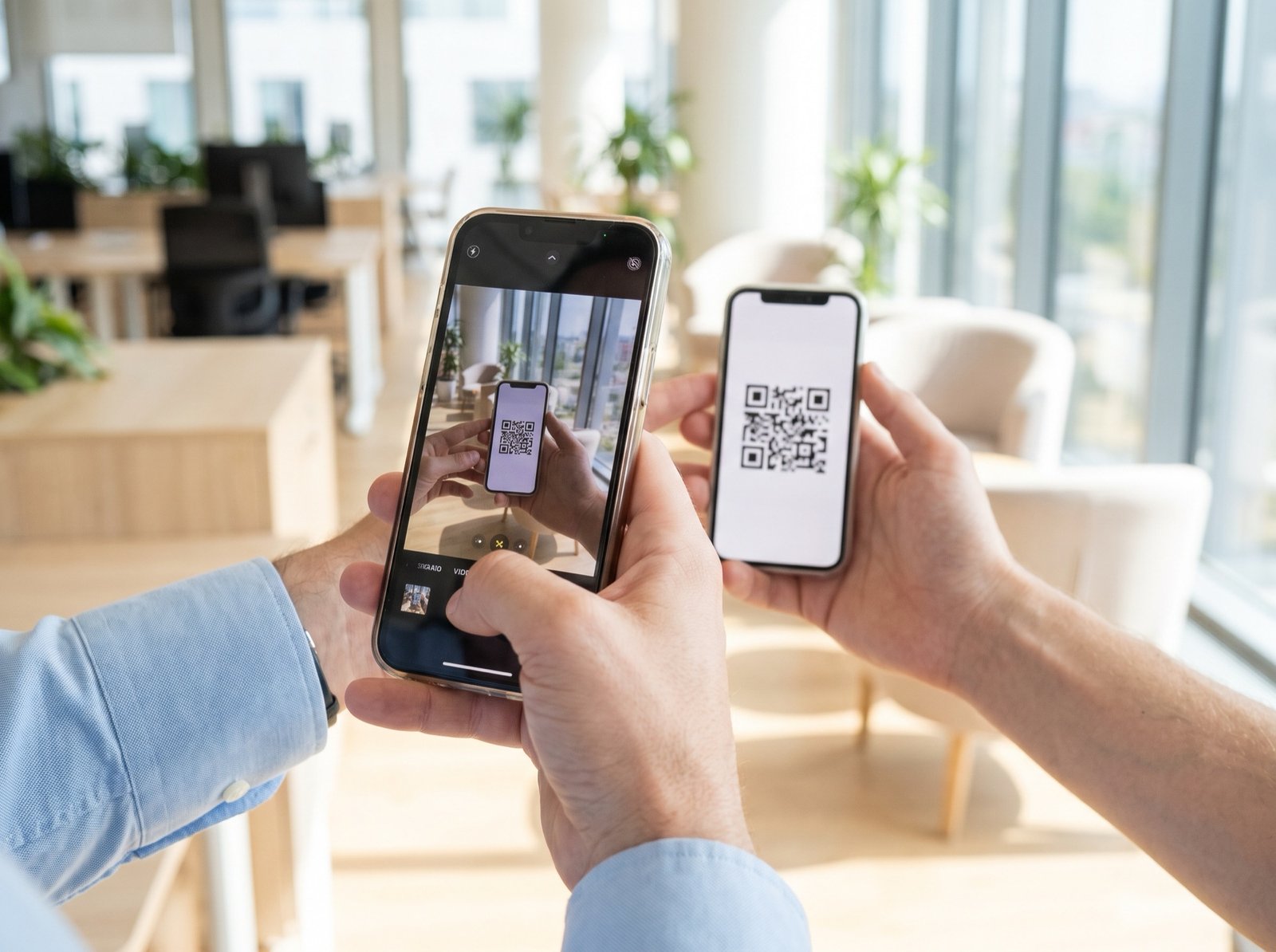
Your staff are probably already doing it
A salesperson meets a customer, gets asked for a card, and finds it quicker to make a digital one on the spot. A branch manager wants something modern. A new joiner has not yet received printed cards and does not want to wait six weeks.
None of these people are doing anything wrong. They are solving a real problem with the easiest tool they have. But the result is a set of cards your company did not design, cannot see and cannot change.
The speed of this matters. A paper card needed a print order, an approval and a few weeks. A personal digital card needs a phone and a few minutes. Policy has not caught up with that pace, which is why a quick decision is better than a perfect one.
Three risks to the company
1. Brand
Personal cards can show any logo, any colour and any wording. A customer may see a title the person never held, an old company tagline or a logo from before your last rebrand. That is a brand problem, and it appears on a customer's phone, where you cannot correct it. For more on this, read brand consistency on employee business cards.
2. Data
When customers share their details through a personal card, those details are collected for the person, not for the company. They may sit in a personal account or on one phone. Your CRM never sees them, and your privacy and data-handling rules may not apply to them.
3. Leavers
When an employee leaves, a personal card does not leave with the badge and laptop. It keeps showing your company name and an old number. Customers keep calling someone who no longer works there, and a competitor may be the one who picks up the relationship. Our guide to what to do when an employee leaves goes deeper.
A useful test: pick any three customer-facing employees and ask them to show you the card they would give a customer today. If the three cards differ in logo, title or number format, you already have a consistency gap.
Another test: ask what happens to the contacts collected through those cards if the person resigns tomorrow. If nobody knows, you have a data gap. Both gaps are normal at this stage, and both are fixable in a quarter.
What to do this quarter: a short plan
You do not need a large project. You need a few clear decisions and one tool that lets you act on them.
- Week 1: find out who already uses a personal digital card, and what they show. A short, friendly survey is enough.
- Week 2: agree who issues company cards. Usually HR sets name, title and number, and brand sets the layout.
- Week 3: write a one-page policy covering approved fields, brand, leads and leavers. A ready template is in our digital business card policy guide.
- Week 4: choose a company card platform and test it with one team.
- Weeks 5 to 12: roll out to everyone, retire personal cards used for work, and review the first results.
Keep the plan visible. Share the dates with sales managers, HR and IT in week one, so nobody is surprised in week four. Name one owner for the whole plan, ideally from HR or Brand, and review progress every two weeks.
How to bring staff along, not push them away
People make their own cards because they want something that works. If you ban it without giving them an alternative, they will keep doing it quietly. Offer something better instead.
- Give them a card that takes a minute to get, with their photo and their details already filled in.
- Let them see their own scan numbers, so the card helps them look good.
- Explain why: the company needs one brand look and the leads belong in the CRM, where the whole team can follow up.
- Make it clear that their private personal card is their own business. The rule applies to work.
Most staff accept this once they see the company card is quicker than making their own.
What changes in the USA, the UAE and India
In the USA, legal and marketing teams often ask first about lead data and consent. In the UAE, brand standards and consistency in meetings and at events tend to come first. In India, with large teams and frequent role changes, the first worry is usually leavers and how HR can set up many cards at once. Start with the concern that is loudest in your company, then cover the other two in the policy.
How Agent Q helps you get there in weeks
Agent Q gives every employee a company digital business card without asking them to design anything. Load your staff list from one file (up to 5,000 staff). A new joiner's card is ready on day one with one selfie, while HR sets the name, title and number. Staff can share by QR or NFC, and customers need no app.
The company keeps one brand look across 20 layouts, sees scans counted per salesperson and has a leaver off-switch that points the card to the company page or a colleague. If you lead a large team, see the page for heads of large sales teams. To see it in your colours, request a demo.
If this sounds like your team, see how a company card works for your role.
Frequently asked questions
Should employees make their own digital business cards for work?
It is better if they do not. A personal card cannot follow your brand rules, send leads to your CRM or be switched off when someone leaves. Give staff a company card instead, and leave personal cards for their private use. This protects both the employee and the company.
What are the risks of employees using personal digital cards?
The main risks are brand inconsistency, customer details collected outside company systems, and cards that stay live after the person leaves. All three are solved by issuing one company card, managed by an admin. It is far easier to fix before the habit spreads across the whole team.
How do I find out if my staff already use digital cards?
Ask. A short, friendly survey of sales and customer-facing teams is usually enough. You can also ask sales managers and look at the cards customers show you. The aim is to learn what exists, not to blame anyone. Keep the tone friendly and focus on what the company card offers.
How long does it take to roll out company digital business cards?
A small pilot can run within weeks. Where the staff list is loaded from one file and each person takes one selfie, most companies can move from pilot to full roll-out within a quarter. A pilot with a few dozen people is a good first step.
Turn every handshake into a lead you can see
Agent Q gives every employee a QR and NFC card your company controls: always current, switched off when someone leaves, and every scan can become a lead.