

Real estate · 5 min read
Digital Business Cards for Real Estate Agents and Sales Teams
Digital business cards for real estate agents and property sales teams: how smart QR and NFC cards work, what to look for and how to roll out. Read on.
Agent Q
Every handshake, a lead you can see.
QR and NFC business cards your company controls: always current, switched off when someone leaves, every scan a lead.
Book a free demoSee how it worksDigital business cards for real estate agents solve a problem every property team knows: buyers collect cards, lose them and never call. Property selling depends on people, and a card is often the only thing that connects a buyer to a salesperson after the visit.
This guide explains how smart QR and NFC business cards work, what property teams should look for and how to roll them out to a team of any size.
Why paper cards fall short in property sales
A paper card holds a name, a number and a logo. It cannot show the latest project, the current offer or a way to leave a message. After a launch weekend, hundreds of cards sit in handbags and cars, and the buyer who liked the project has no easy way to find the person they met.
Paper cards are also fixed. If a salesperson changes project, title or number, the card is out of date. If they leave, buyers keep calling the old number. For teams with frequent moves, reprints never catch up.
The buyer's side matters too. Many people now save contacts by scanning, and a card that sits in a wallet is less convenient than one on the phone they are already holding. And paper tells you nothing. You cannot see who received a card, who looked at it or which salesperson generated interest.
How a smart QR or NFC card works
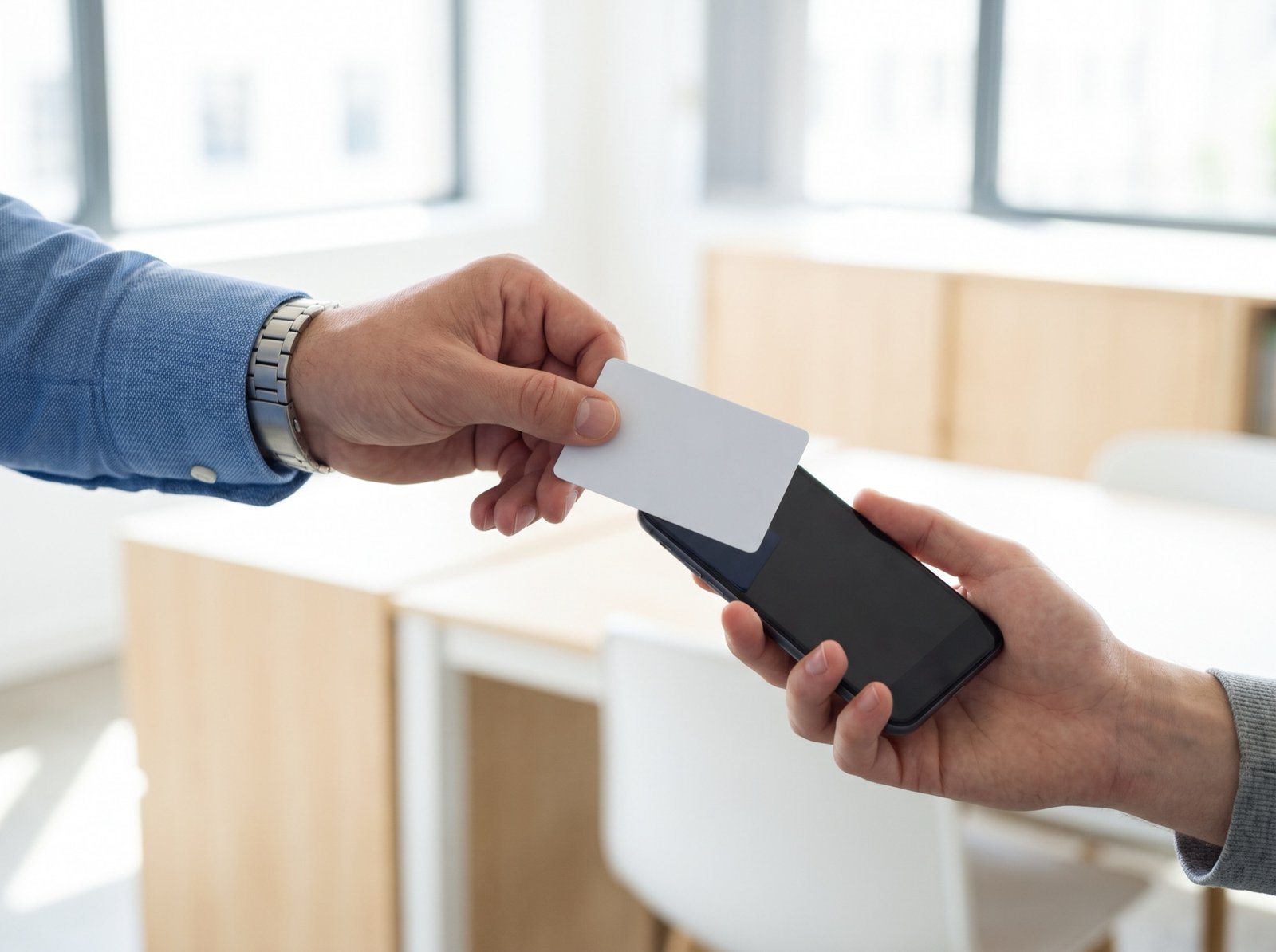
A digital business card is a web page for each employee, opened by scanning a QR code or tapping an NFC card or phone. The buyer needs no app: the phone camera scans the QR code, and NFC phones open the card with a tap.
The page shows the salesperson's name, photo, title, number and company, with a button to save contact details. It can also include the project, links and a form where the buyer leaves their name and number.
Because the card is a page, the company can edit it. Change it once, and every QR and NFC card shows the change. No reprints.
What property teams should look for
- No app for the buyer. Scanning must work with the camera.
- Company control. HR or marketing sets name, title and number, so details are correct.
- Lead capture. Every scan can become a lead, counted per salesperson.
- A leaver off-switch. When someone leaves, the card still works but points to the company or a colleague.
- Easy loading. A staff list from one file, and a quick start for new joiners.
- Brand consistency. One look across the team.
- Privacy and audit. HTTPS, no trackers, and a record of who changed what.
Our guide on what happens to leads when a salesperson leaves shows why the off-switch matters.
Where property teams use them
At the gallery or site office
The salesperson shows a QR on a badge or a tap card. The buyer scans and has their details, plus a way to leave their own.
At expos and launches
Many conversations in a short time. Scanning replaces scribbling. See property expo lead capture.
On brochures and hoardings
A QR on printed material opens a salesperson's card or the project page, and the card can be updated after the print run.
With channel partners
Partners and brokers can carry cards for your project, controlled by you, so buyers who meet them reach the right place.
How to roll them out
- Start with the data: staff names, titles, numbers and project assignments in one file.
- Choose the layout and brand look once.
- Collect a photo from each person. Their own photo makes it personal.
- Issue cards to each salesperson and test the QR on several phones.
- Decide where leads go, who follows up and in what time.
- Review usage after a few weeks: who is using the card, how many leads, which events.
Brief the team on a one-line habit: after the visit, offer the card. "Would you like my details on your phone? Just scan this." It takes five seconds and feels natural, because the buyer is already holding a phone. Keep the first rollout simple. A short briefing and a trial at one event are enough to see how it works.
USA, UAE and India: what to consider
In the USA, brokerages often have brand and compliance rules for agent materials, so central control of card details is useful. In the UAE, many agents and brokers carry multiple project materials and meet overseas buyers, so quick sharing by phone fits well. In India, large sales teams, frequent moves and wide channel partner networks make the update-once feature particularly useful.
In all three, buyers are used to scanning QR codes, so adoption is rarely the difficulty. The harder part is internal: agreeing who owns the card details, who follows up on leads and how quickly. Settle those points before the rollout, and the technology becomes the easy part. Review the results together after the first month.
How Agent Q works for property teams
Agent Q gives every employee a smart QR and NFC business card, controlled by the company. Customers need no app. Edit once and every card shows the change. A leaver's card keeps working but points to the company page or a colleague.
Every scan can become a lead, counted per salesperson. The staff list loads from one file, up to 5,000 staff, and a new joiner's card is ready on day one with one selfie. There are 20 layouts in one brand look. It connects to SAP SuccessFactors, Oracle HCM, Salesforce, REST API and signed webhooks, and is private, with HTTPS, no trackers and every change logged. See how it fits for a team that leads property sales or a team still using paper cards.
Personal digital card or company card?
Anyone can now make a personal digital card in a minute, and many of your people will. That is good news: clients are used to scanning and tapping. But a personal card carries the employee's own design, sends leads to them, and leaves with them. For a sales team, the card should belong to the company.
| Personal digital card | Company card (Agent Q) | |
|---|---|---|
| Who issues it | The employee, on a personal account | The company, for every employee |
| Brand and design | Whatever each person picks | Your brand; the layout is locked by an admin |
| When someone leaves | The card and the contacts leave too | One switch: the card points to a colleague or your page |
| Leads from scans | Go to the person | Captured for the company, counted per salesperson |
| Scale and control | One person at a time, no audit | Thousands of staff, synced from HR, every change logged |
Read more: company digital business cards · India · Dubai and the UAE · USA · a card policy you can copy
Frequently asked questions
What is a digital business card for real estate agents?
It is a web page for each agent, opened by scanning a QR code or tapping an NFC card. It shows their details and can let a buyer leave their name and number. The company controls the details and can edit all cards from one place, without reprinting anything.
Do buyers need an app to open a digital business card?
No. The phone camera scans the QR code, and NFC phones open the card with a tap. The card opens in the browser, so it works on most phones without any download or sign-up, which keeps the buyer's effort very small.
Are digital business cards better than paper cards for property sales?
Often yes. They can be updated without reprinting, track leads per salesperson, show who used their card and be switched when someone leaves. Some teams keep a few paper cards as well for buyers who prefer them, but the digital card does the heavy lifting and gives you data the paper card never could.
Turn every handshake into a lead you can see
Agent Q gives every employee a QR and NFC card your company controls: always current, switched off when someone leaves, and every scan can become a lead.