



Agent Q · Digital business cards
Do you exhibit at trade shows?
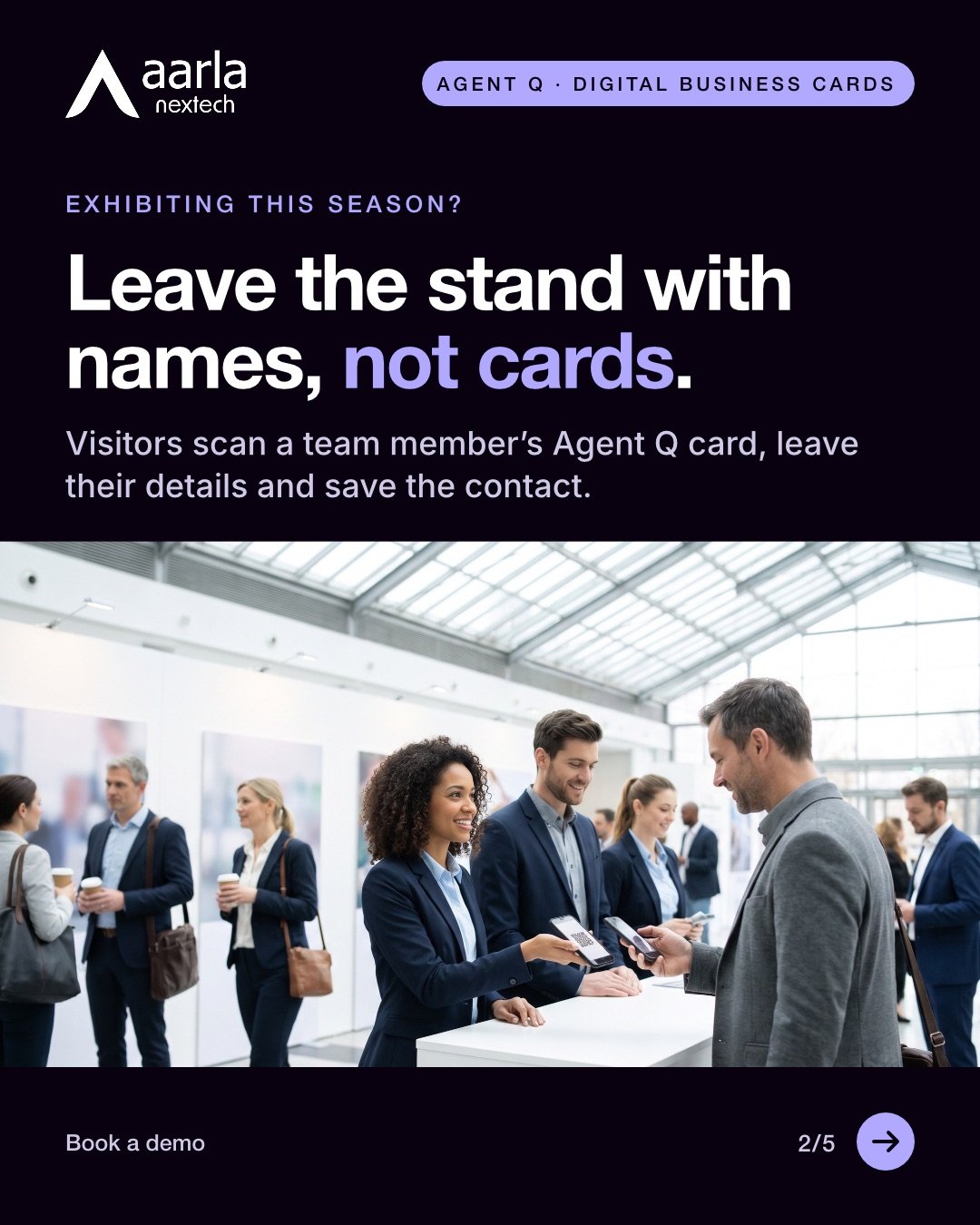
Leave the stand with names, not cards.
With Agent Q digital business cards, stand visitors scan a team member's code, leave their details and save the contact. Each lead shows who met them and how the card was opened.
The carousel, slide by slide
Agent Q gives each salesperson a digital business card on their phone: customers scan it, can leave their details and save the contact, with no app.



Why teams choose it
What changes for your team
No app for customers
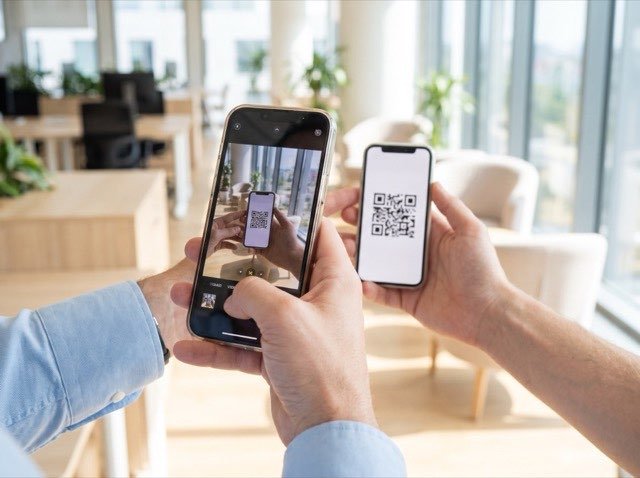
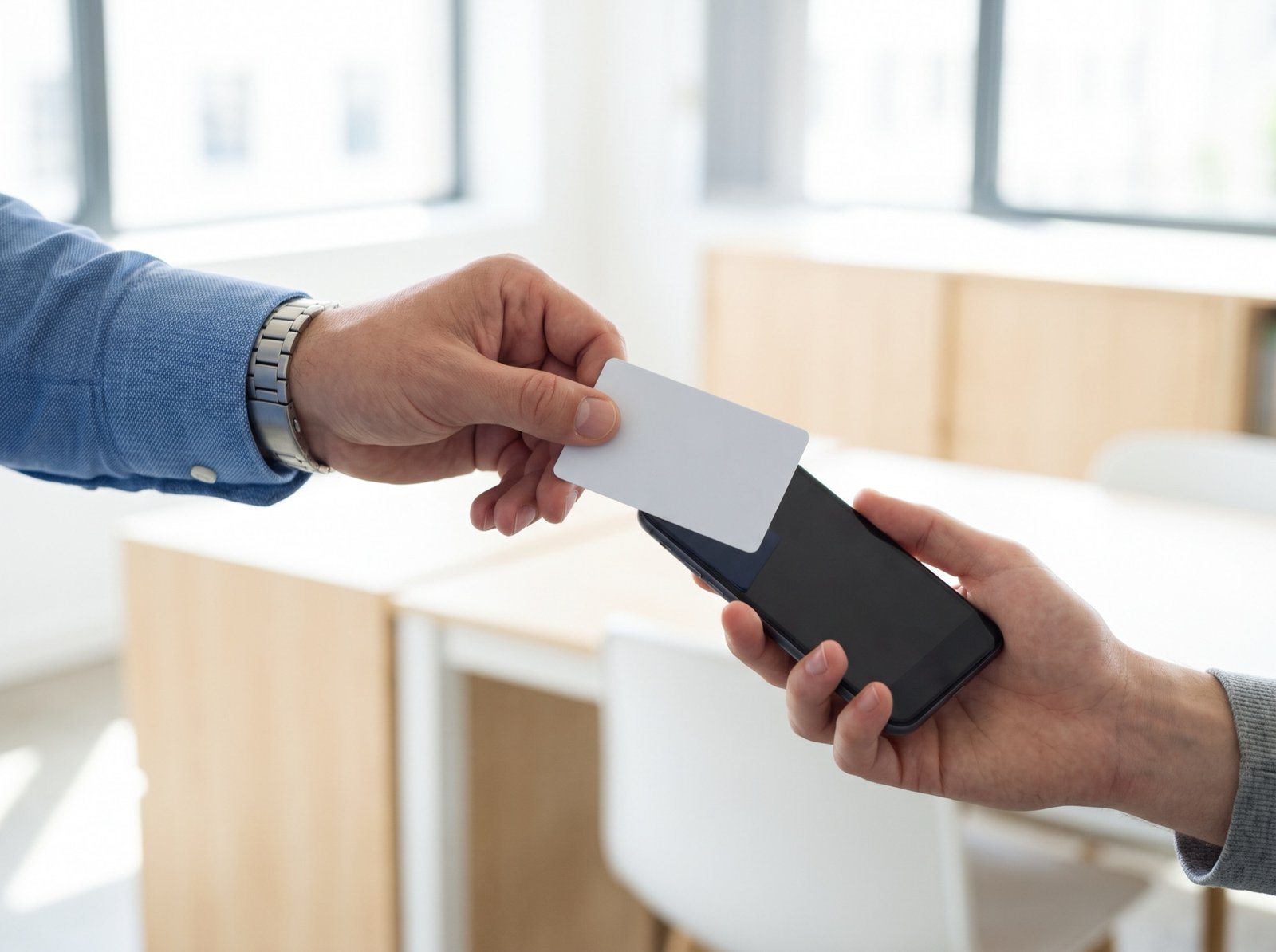
Customers scan the code with their phone camera, tap an NFC card or open a link: no app, no account, no download. They can leave their details, then save the salesperson's contact to their phone.

Every scan can become a lead
A customer who fills in the short form becomes a lead: in your dashboard, in the salesperson's own list, and sent to your own lead system once connected.

Cards follow your staff records
Once connected, cards are created, updated and switched off from your staff records. When a card is switched off, its printed code keeps working and shows your company page, a colleague's card or a website.

Opens, saves and leads, per person
See how often each salesperson's card is opened, saved and turned into a lead, by day, week or month, with a download for your spreadsheet.
See a stand visit, from scan to lead.
How it works
From scan to lead
- 01
Your team is added
HR or an admin adds people from a spreadsheet, by hand, or from your staff records once connected. Each card gets its own short link and QR code, in your company design.
- 02
Each salesperson adds a photo
They open their personal link, add a photo, and the card is ready. Name, title and number come from your records. They can send it by message or email, or add it to their phone wallet.
- 03
The customer scans
The customer scans the code with their camera, taps an NFC card or opens a link, can leave their details, and saves the salesperson's contact.
- 04
The lead reaches the company
If the customer leaves their details, the lead shows in the salesperson's own list and in your dashboard, and is sent to your own lead system once connected. Opens, saves and leads are counted per person.
In your control
- Your design: 20 ready-made layouts, 13 brand colours and a free-form designer, with one design locked for every card if you choose.
- Your records: name, title, number and email come from your staff records, and HR corrects them. Salespeople change only their photo.
- Your form: you choose which details it asks for beyond first name, whether customers can skip it, and whether leads are kept in the dashboard.
- Your access: admins you invite, two-step sign-in you can require for every admin, every action recorded with who and when, and a download of your data.
What the demo covers
- The salesperson's phone: the photo step, the QR code, sharing and the phone wallet.
- The customer's side: a sample card scanned on a second phone, the form and the saved contact.
- The lead: in the salesperson's own list and in the dashboard, with the spreadsheet download.
- The admin view: adding people, applying a design, usage per person and a switched-off card scanned.
Questions
What leaders ask first
Book a demo
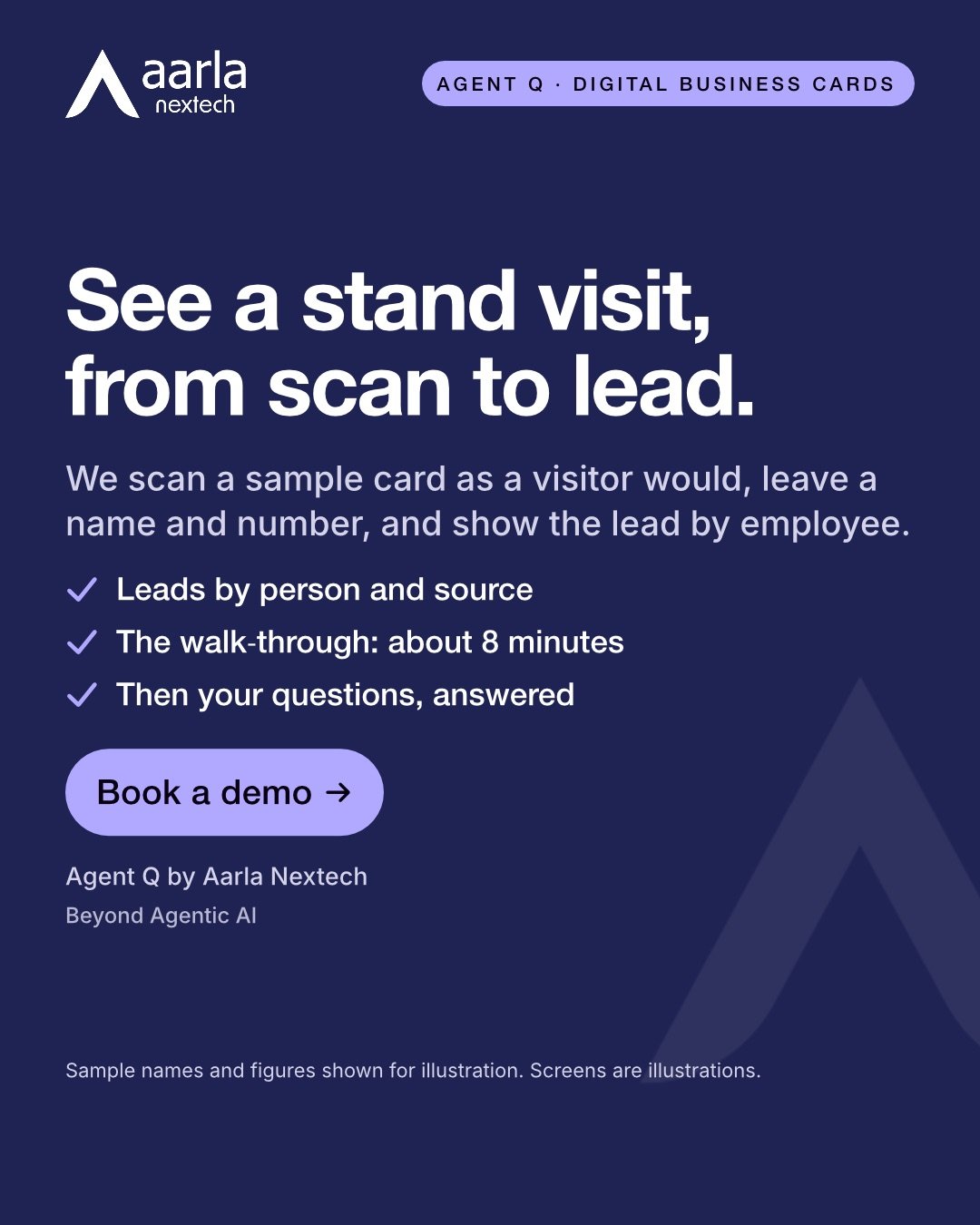
See a stand visit, from scan to lead.
- A live walk-through of about 8 minutes, then your questions.
- Shown on sample cards and a sample team, with two phones and the dashboard.
- Bring your HR and IT questions: after the walk-through we can also show two-step sign-in, the activity record and the data download.